
Documentation Index
Fetch the complete documentation index at: https://docs.raycaster.ai/llms.txt
Use this file to discover all available pages before exploring further.
Overview
Raycaster Doc provides semantic search across all parsed documents in your project. Instead of exact keyword matching, search understands the meaning of your query and finds relevant content even when the exact words don’t match.How It Works
- When documents are uploaded and parsed, the content is split into paragraphs
- Each paragraph is embedded as a vector using OpenAI embeddings
- Search queries are embedded the same way and matched against your document vectors
- Results are ranked by semantic similarity
Using Search
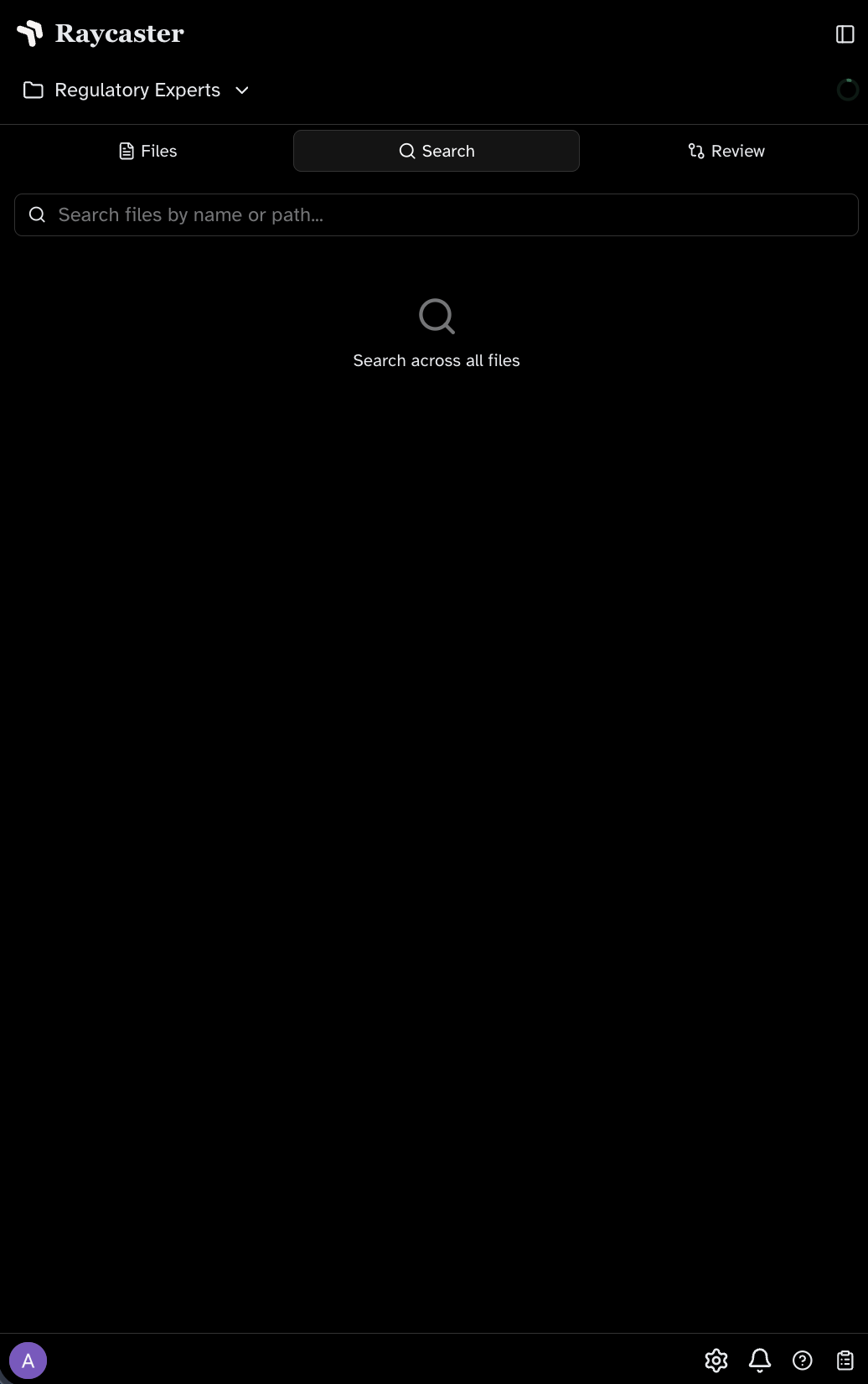
Search is available in two ways:- Search bar — Use the search interface in the workspace to find content across all documents
- AI chat — The chat agent uses search automatically when answering questions about your documents
Staging Awareness
Search results reflect your current workspace state:- Newly uploaded (staged) documents are indexed and searchable
- Deleted (staged) documents are excluded from results
- Replaced documents show results from the updated content