
Documentation Index
Fetch the complete documentation index at: https://docs.raycaster.ai/llms.txt
Use this file to discover all available pages before exploring further.
Project Configuration
Every project has settings that control access, AI behavior, and team membership. Only project admins can modify these settings.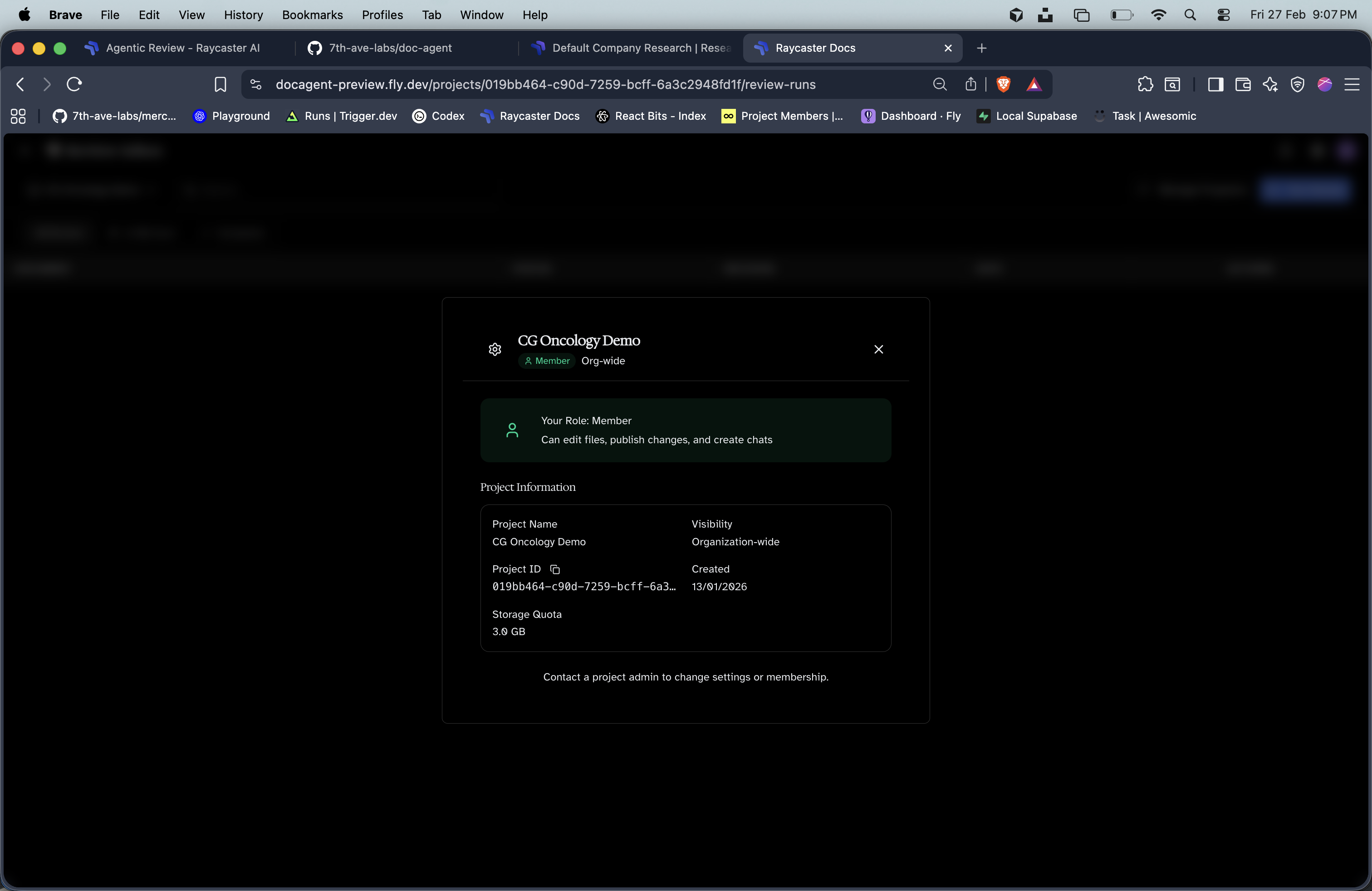
Visibility
Control who can access your project:| Visibility | Description |
|---|---|
| Organization | All org members get implicit member access |
| Private | Only explicitly invited members can access the project |
Custom AI Instructions
Set project-level instructions that are included in every AI chat prompt. This is your way to give the AI persistent context about:- Domain-specific terminology
- Preferred writing style and conventions
- Project-specific rules or constraints
- Key facts the AI should always know
<project> block and apply to all chat sessions in the project. Recommended limit: ~10,000 characters.
Only project admins can view and edit AI instructions. Regular members and visitors don’t see this setting.
Member Management
Roles
| Role | Capabilities |
|---|---|
| Admin | Full control — settings, members, delete project |
| Member | Upload, edit, commit changes to main |
| Visitor | View all content, edit in staging, cannot commit |
Rules
- The project creator is automatically an Admin
- At least one Admin must exist — the last admin cannot be removed or demoted
- Adding a user who is already a member is rejected to keep memberships canonical
Invite Links
Generate shareable links to onboard new members without needing their email:
Invite links can be managed (created/deleted) from the project settings panel.
Deleting a Project
Only admins can delete a project. The deletion process removes:- All workspace files and lakeFS repository
- Parsed document cache
- Vector search collection
- Chat sessions and messages
- Review programs and runs
- All memberships and invite links