
Documentation Index
Fetch the complete documentation index at: https://docs.raycaster.ai/llms.txt
Use this file to discover all available pages before exploring further.
What is a Review Program?
A review program is a reusable template that defines how the AI should review documents. Each program consists of:- Prompt — Written instructions describing what to look for, what standards to apply, and what constitutes an issue
- Guideline files — Reference documents from your workspace that the AI should use as review criteria
Creating a Program
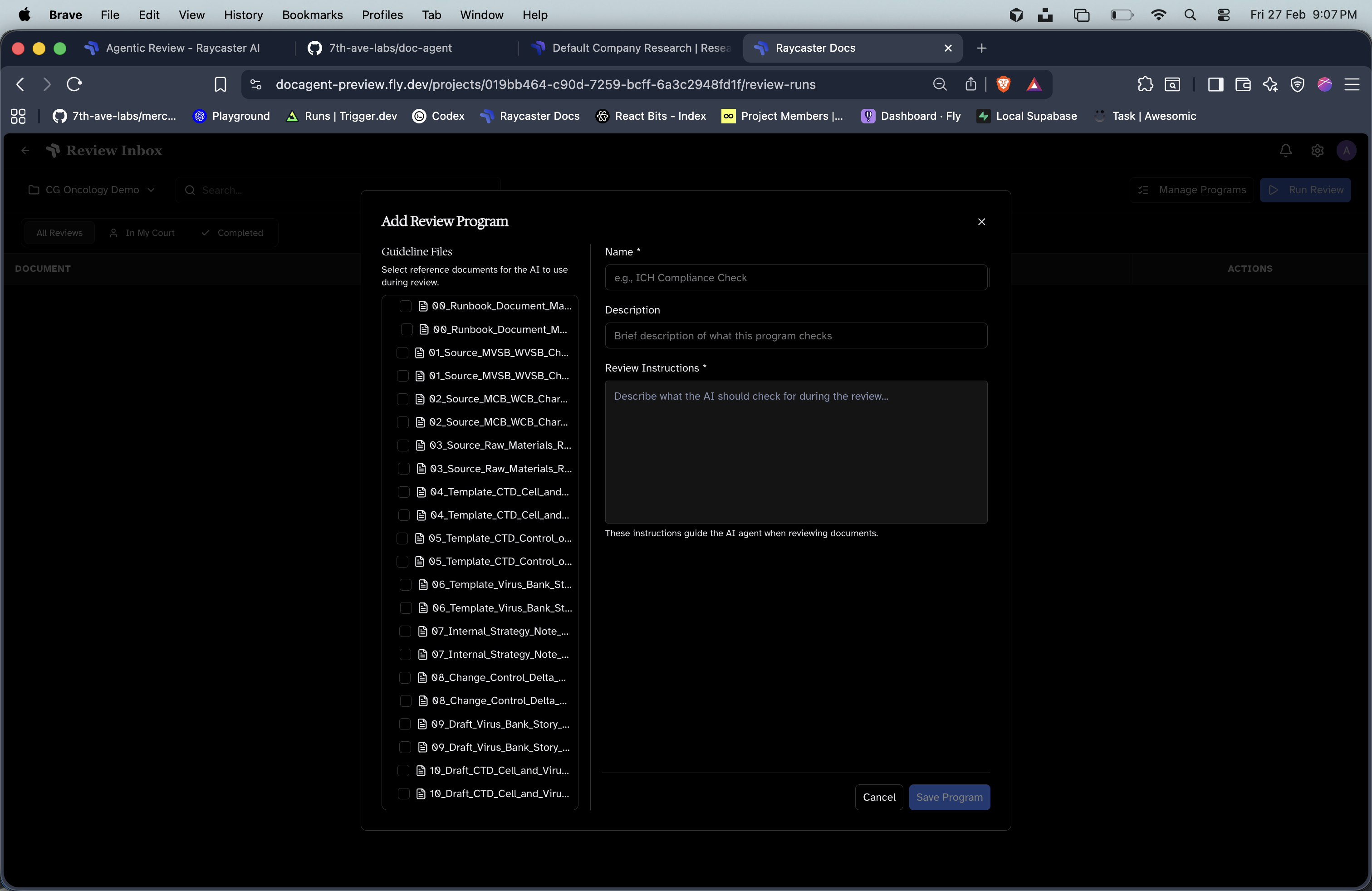
Write your review prompt
Be specific about what the AI should evaluate. For example:
- “Review this document for compliance with FDA 21 CFR Part 11”
- “Check formatting against our SOP template standards”
- “Identify any claims not supported by cited references”
Attach guideline files
Select documents from your workspace that serve as the review standard. These might be templates, regulatory guidelines, or reference SOPs.
Managing Programs
- Edit — Update the prompt or guideline files at any time
- Delete — Remove programs you no longer need
- Reuse — Run the same program against different documents as many times as needed
Tips for Effective Prompts
Be specific about criteria
Be specific about criteria
Instead of “check for issues”, specify exactly what constitutes an issue: missing sections, formatting deviations, unsupported claims, etc.
Reference your guidelines
Reference your guidelines
The AI has access to the guideline files you attach. Reference them explicitly: “Compare against the template structure in the attached SOP format guide.”
Define severity expectations
Define severity expectations
Help the AI calibrate severity by providing examples: “Missing regulatory references are errors. Minor formatting inconsistencies are info-level.”
Keep prompts focused
Keep prompts focused
One program per review concern works better than a single program trying to cover everything. Create separate programs for compliance, formatting, and content review.