
Documentation Index
Fetch the complete documentation index at: https://docs.raycaster.ai/llms.txt
Use this file to discover all available pages before exploring further.
Document Viewer
The center panel of the IDE displays your selected document. The viewer supports multiple file formats with format-specific rendering: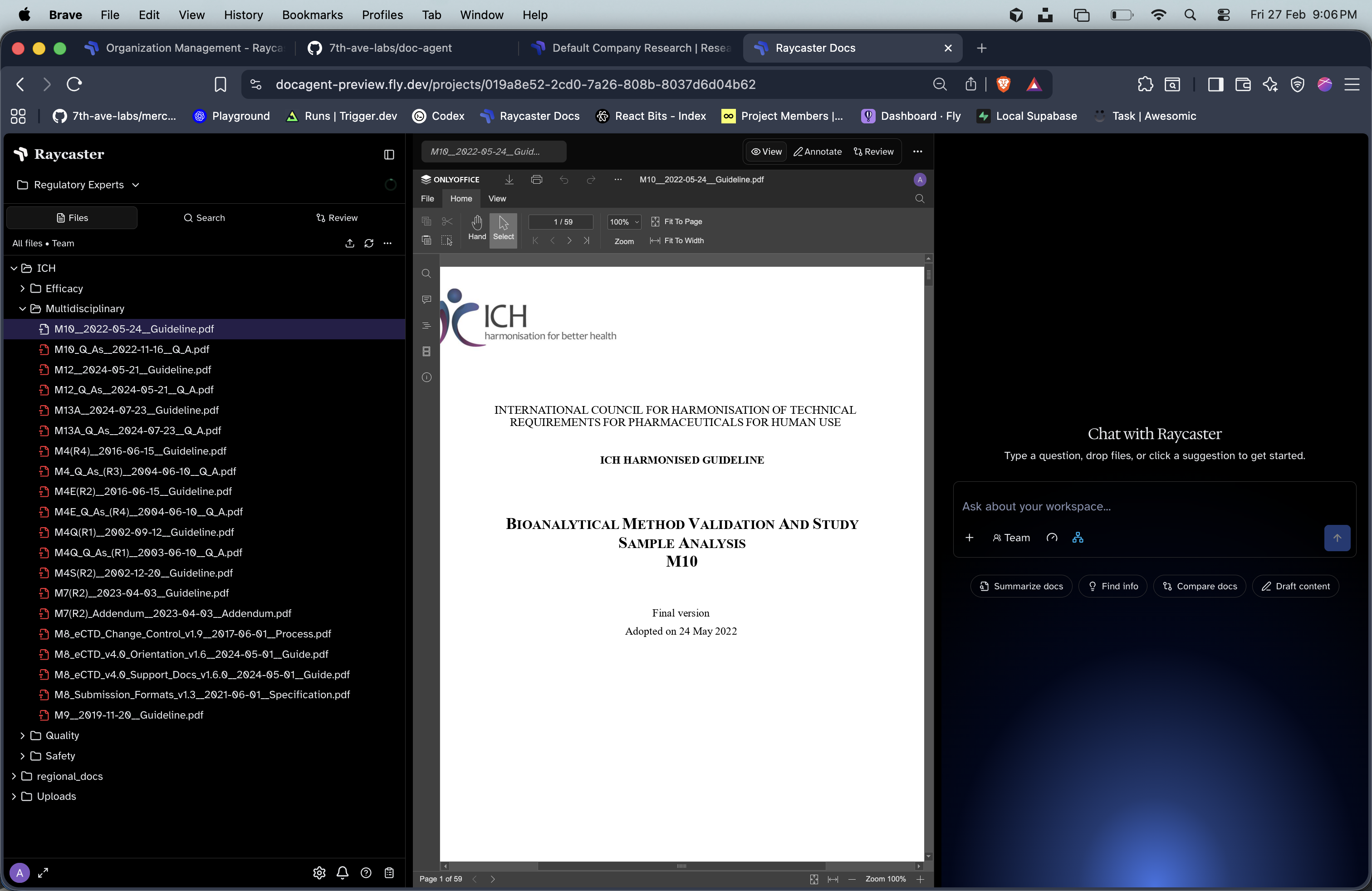
| Format | Viewer | Features |
|---|---|---|
react-pdf renderer | Page navigation, zoom | |
| DOCX | Rendered via mammoth | Formatted text preview |
| XLSX | Spreadsheet viewer | Table rendering |
| Markdown | Rich text renderer | Inline editing support |
| Plaintext | Code/text viewer | Inline editing support |
| Images | Image viewer | Zoom and pan |
Viewing Modes
Committed
The current main version. Default view for all users.
Staging
Your staged changes overlaid on the committed state. Shows change badges.
Version
A historical commit. Edit actions are disabled; a version banner is shown.
Inline Editing
For Markdown and plaintext files, toggle the edit button to enter inline editing mode. Edits are staged in your workspace automatically. For DOCX, XLSX, and PPTX files, OnlyOffice integration provides a full in-browser editing experience with real-time save back to your staging workspace.Version History
Click the history button on any artifact to browse its commit history. Select a previous commit to view that exact version of the document. The URL updates with acommitId parameter for easy sharing and bookmarking.